How Law Firms Can Use Google Business Profiles to Compete in Local Search
Posted on Friday, August 28th, 2026 at 5:43 pm
If you believe you or your law firm qualifies for a Google Business Profile, getting started is fairly straightforward. This is something TSEG sets up for our partnered law firms already, at no additional cost as part of our broader SEO strategy. If your law firm is working with an agency for SEO, they should be able to set this up for you in minutes.
This is different than the previously covered Google Search Profile eligibility and recent changes affecting who can create one, this guide focuses on the standard business profiles and next steps.
How to set up a Google Business Profile for your legal practice.
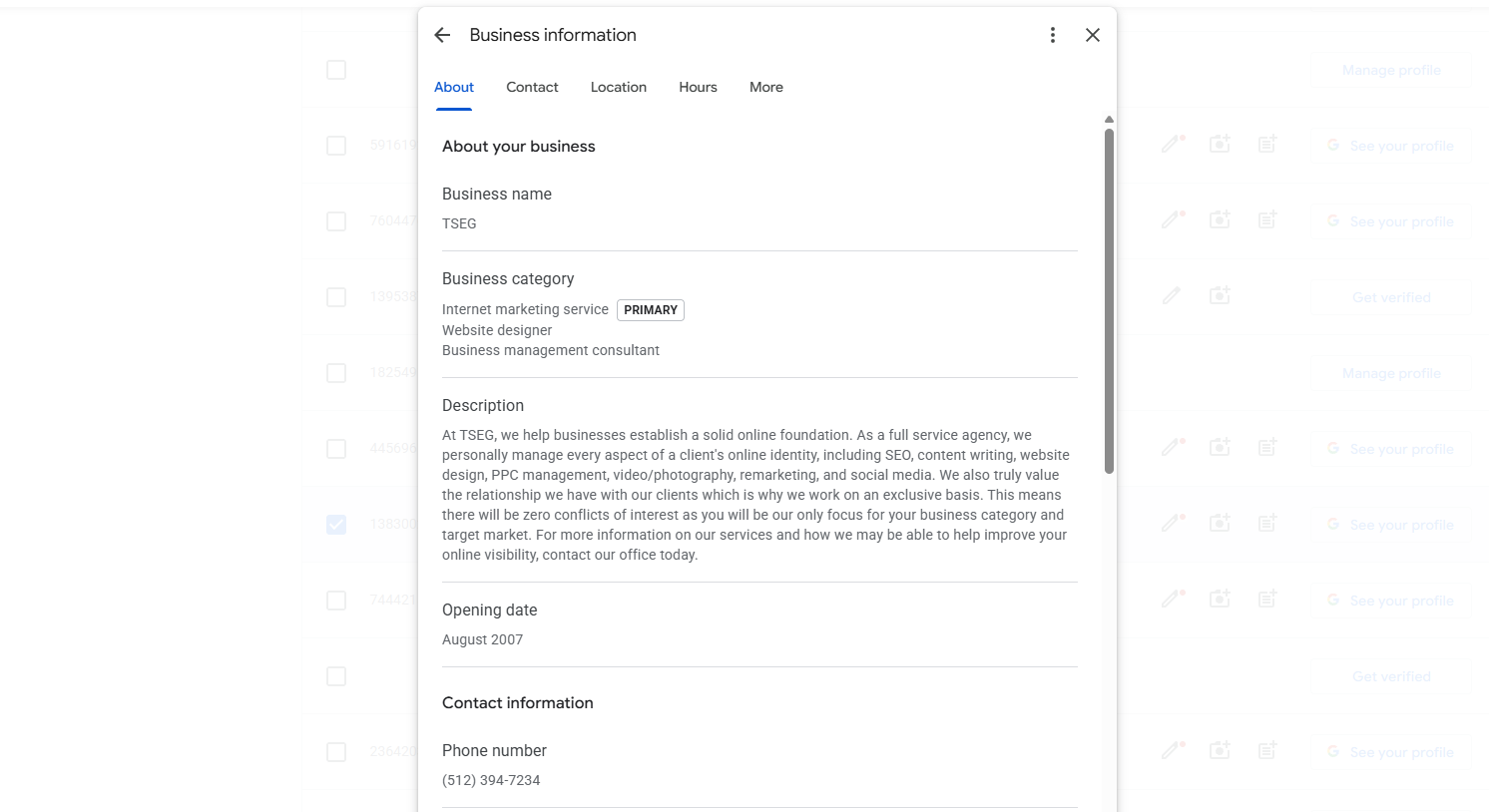
1. Sign In and Start Your Profile
Visit Google Business Profile and sign in with the Google account you want associated with the practice.
You likely already have your business linked to an account, so make sure to check this before connecting to a new account as this can lead to future issues.
Search for your firm first to make sure a profile does not already exist. If you find an existing profile, follow Google’s process for requesting access rather than creating a duplicate. If there is no existing profile, proceed with adding the business.
2. Enter Your Law Firm Information
Add your law firm’s real world business name as it is used publicly. Avoid adding practice areas, cities, or promotional language that are not part of the actual business name.
Enter the requested contact information and website address carefully. These details should match the information prospective clients encounter on your firm’s website, and across your firm’s branding across the internet.
3. Select the Most Accurate Category
Choose the category that most closely describes the legal services provided by the firm or attorney.
Google offers categories for specific areas of law, so a specialized practice may have a more appropriate option than a general attorney category. Select categories based on the services you actually provide rather than the search terms you want to rank for.
4. Add Your Location or Service Information
Enter the address associated with the practice when appropriate. Attorneys should follow Google’s current eligibility and address requirements rather than using an address solely for the purpose of creating another profile.
If clients are not served at the listed address, review Google’s options for displaying service information without publicly showing the location. More than likely you will need to have physical access to this address when verifying your business later.
5. Complete Google’s Verification Process
Google may require verification before you can fully manage the profile. The verification method available can vary by business and may require additional evidence that the practice operates as represented.
This can include recording live footage at the location and submitting documents like a DBA or utilities bill with the address and business name on it.
Follow the instructions Google provides and make sure the information submitted during verification matches the firm details entered on the profile.
6. Complete the Profile Before You Move On
Once verified, review the entire listing for accuracy. Add appropriate business hours, contact details, practice information, photos, and other information Google makes available for the profile.
Before considering the setup finished, check how the profile appears publicly and correct anything that could confuse someone trying to contact the firm.
TSEG Can Handle Your Google Business Profile Setup
Law firms do not have to manage this process themselves. As part of our SEO services at TSEG, we can help eligible law firms set up their Google Business Profiles at no additional cost.
We can handle the setup process, review the firm’s information, select appropriate categories, assist with verification, and make sure the completed profile supports the firm’s wider SEO program. If you need help getting this done for your law firm, do not hesitate to reach out to our team and see how we can help you.


